Skip to Content

MyUPMC is updating overnight from October 2 to October 3 with a fresh new look and expanded features. The portal is temporarily unavailable during this time and access will resume once the update is complete.


MyUPMC: New look, same trusted care

The new, updated MyUPMC portal is now available for all UPMC patients. You'll continue to find the same secure health information and trusted providers you rely on, now with expanded access to even more UPMC services and care options.


Make managing your care easier

Access your health information, appointments, and test results, while taking advantage of convenient tools that are here to make managing your care easier.


video visit icon 

Find care when you need it: Connect to UPMC providers 24/7 with virtual care options.


location icon 

Save time at visits: Use eCheck-In to complete forms and pay copays before your appointment.


insurance icon 

View coverage and benefits: See your UPMC Health Plan information all in one place.


card icon 

Manage bills online: Find statements, make payments, and track billing activity anytime.


heart icon 

Manage hospital stays: View your care team, treatment schedule, test results, and more.
 

records icon 

Connect your records: Link your information from other health systems right in MyUPMC.


What this means for you

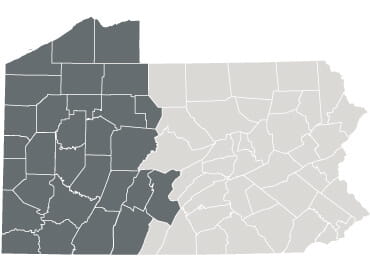
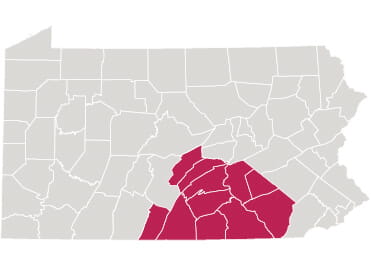
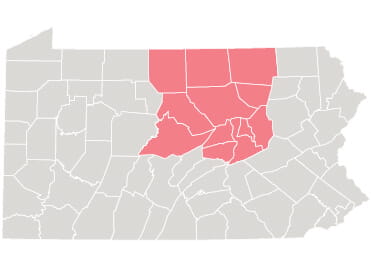
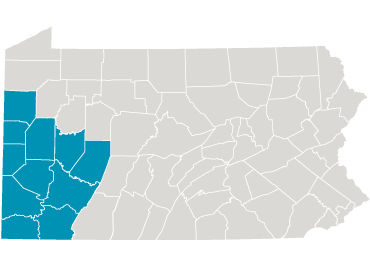
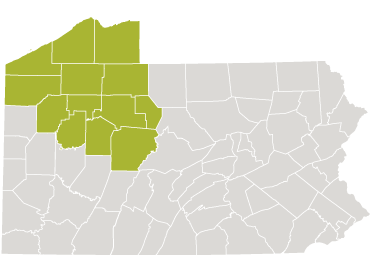
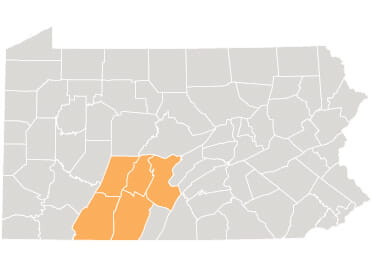
Select the portal you’ve used in the past to learn what has changed for you:

What This Means For You


Take MyUPMC wherever you go


The MyUPMC app keeps you connected to your care at UPMC, wherever you are. Download the app today. If you use the MyChart app, you can also access your MyUPMC account there.

Download HealthBeats from the Apple Store


Getting the most out of your portal


bell icon 

Turn on app notifications: To receive appointment reminders, new messages, and other important updates from MyUPMC, turn on app notifications in your device settings.

chat icon 

Update communication preferences: Go to “Communication Preferences” in MyUPMC to choose how you’d like to receive portal notifications and reminders, such as by email or text message.

pin icon 

Allow location services: Enable location access in your device settings to find nearby care and use location-based portal features.


Keeping your information secure

MyUPMC uses industry-standard security measures, such as two-step verification, to help keep your account and personal information safe. You can access your information with confidence knowing it's protected every time you sign in.

Support with common tasks

Find guidance for common tasks in the portal below. For other questions, explore the complete MyUPMC FAQs or contact the MyUPMC Support Line at 1-833-298-7320.


Support

Proxy access in MyUPMC

If you care for a child, parent, or loved one, proxy access lets you stay connected to their care—right from your own MyUPMC account. Access options vary depending on a patient’s age and preferences.


Learn about proxy access


For urgent care, start here

UPMC-GoHealth Urgent Care has a dedicated patient portal, separate from MyUPMC. With the UPMC-GoHealth portal you can access information about your urgent care visits such as after-visit care information, visit history, lab results, and more.


Visit the urgent care portal


go health myupmc logo


Your care, in one place

MyUPMC now brings all of your UPMC care together, including providers and services from the UPMC Children's Hospital, UPMC Hillman Cancer Center, and other specialties. As the final step of unifying UPMC services through a single portal experience, MyUPMC now offers a more connected and convenient way to manage your care.


Help Icon

Need More Help?

You have options available to help answer your questions: