 Until Your Portal Updates
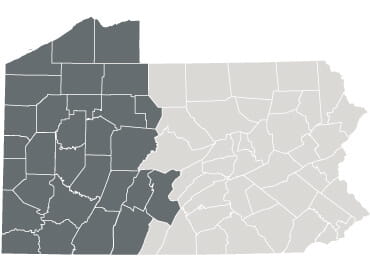
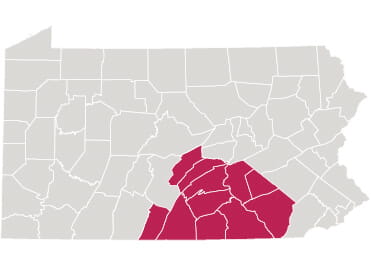
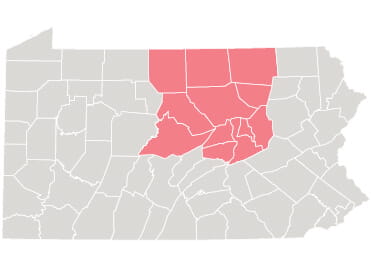
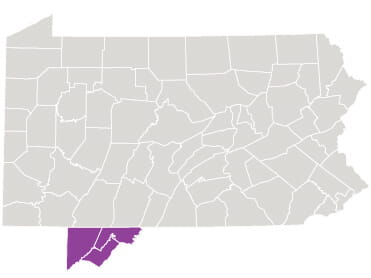
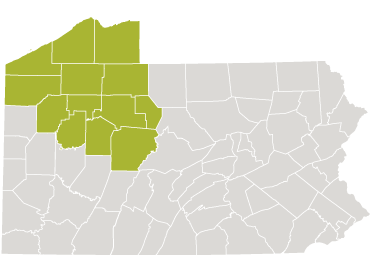
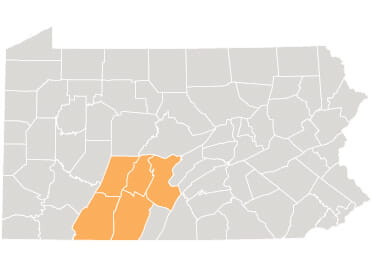
Portal Updates In Central & Northwest Pa. or Nearby Areas
On October 3, UPMC will complete the final phase of transitioning to a single portal. This update will happen automatically and will not require any action from you—all that’s changing is the name. We appreciate your patience throughout this process. No action is required from you.
Here's what to expect:
- On October 3, 2026, the MyChart app and portal.upmc.com will update automatically.
- The name of the portal will change from UPMC Patient Portal to MyUPMC.
- You will be able to log in to the updated portal using your existing UPMC Patient Portal username and password.
- Your same UPMC providers and health information will be available in the new MyUPMC, plus any from care you may receive at locations in Southwest Pa.
From now until October 3, continue to use the UPMC Patient Portal to manage your UPMC care in Central Pa., Northwest Pa., Maryland, and New York. If you see providers in these areas but do not have a portal account, visit the UPMC Patient Portal and choose “Sign Up” to get started.
Using the UPMC Patient Portal
Accessing the UPMC Patient Portal for the First Time
Until October 3, the UPMC Patient Portal is available through the MyChart App and web browser.
You can log in or create an account for the UPMC Patient Portal by downloading the MyChart app from the Apple App Store or Google Play Store on your mobile device.
In the MyChart app, select “Search for an organization” or “Add organization” and enter “UPMC” to locate the UPMC Patient Portal and add it to your MyChart app.
You can also access the portal on a web browser by visiting portal.upmc.com.
Logging In
If you’ve previously used MyUPMC or the UPMC Central PA Patient Portal, you can log into the UPMC Patient Portal with your same username and password. If you are new to UPMC, you will receive an Instant Activation email before your first appointment, or you can sign up at portal.upmc.com.
Two-Step Verification
To keep your account secure, the UPMC Patient Portal requires both your password and a unique code to log in. After you enter your password, you will receive the code via email or text message and be prompted to enter it to complete the login process.
Scheduling an Appointment
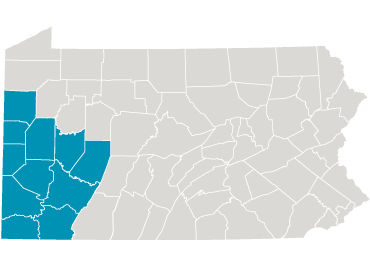
In the UPMC Patient Portal, you can book appointments with members of your care team located in Central Pa., Northwestern Pa., New York, and Western Maryland. If you are looking to schedule an appointment with a provider in Southwest Pa., you must use MyUPMC. For appointment scheduling with UPMC Children's providers in Southwest Pa., use MyCHP.
To schedule with a new provider who is not on your care team, use the UPMC Provider Directory. For assistance finding providers, scheduling appointments, or managing existing appointments call Scheduling Services at 1-800-533-8762.
To pay a bill for care received on or after Sept. 27, 2025, open the UPMC Patient Portal, find Billing in the main menu, and follow the prompts to submit your payment. If you don’t see your bill in Billing, please follow the directions on your statement to pay online or by mail.
To learn more about how to pay your bill, visit Paying Your UPMC Bills.
Viewing Your Medical Records
Your most recent health information is available in the UPMC Patient Portal. If you'd like access to additional medical records, you can submit a request in the portal's Sharing Hub. Select specific record types or appointment dates, then receive the information delivered directly to you in the portal.
To learn more about accessing your records, visit Medical Records Requests.
Providers located in Central Pa., Northwestern Pa., New York, and Western Maryland can be found in the UPMC Patient Portal for messaging, scheduling, and other care needs. If you can’t find a specific provider, search the UPMC Provider Directory for a complete list.
Thank You
We appreciate your patience and loyalty throughout this portal transition process.
Questions About Your Portal?